



Ask five people what “production planning software” means and you’ll get five different mental pictures. Some pictures are a spreadsheet with color-coded cells. Others picture a whiteboard schedule erased every Monday. Then there’s the version most vendors are selling now, a system that watches the plant floor and rewrites the plan before a supervisor even notices something’s off.
Most of the confusion around this category isn’t really about software. It’s about what “planning” used to mean versus what it needs to mean now, and that’s exactly the gap this category of tools is meant to close.
What This Kind of Planning Software Actually Does
At its core, manufacturing production planning software takes everything competing for attention on a shop floor, machine availability, labor shifts, material readiness, order priority, and turns it into a schedule that holds up past the first disruption. The older generation of planning tools assumed a static world: build the plan once a week, print it, hope nothing changes. That assumption breaks the moment a machine goes down or a rush to land.
Modern manufacturing planning tools work differently. They pull live signals from the MES, ERP, or SCADA systems already running on the floor and adjust the plan continuously, not just when someone remembers to update the spreadsheet. NTWIST’s nScheduler is built around exactly that idea. Rather than replacing the systems a plant already paid for, it layers on top and rewrites the schedule for the moment conditions shift, which is the whole point of calling it production scheduling software instead of a static planning tool.
Why Static Planning Keeps Failing
Here’s a pattern that shows up repeatedly. A plant builds a plan, assuming everything goes right. Then a supplier ships late, a machine breaks mid-shift, or a customer moves up a delivery date, and the plan is obsolete within hours. Someone must manually rework it, usually under pressure, usually across multiple departments that aren’t talking to each other in real time.
That manual scramble is expensive in ways that don’t always show up on a P&L right away. Late shipments erode trust. Idle machines waste capacity that never comes back. And the people doing the rework are the same people who should be running on the floor, not fixing spreadsheets by hand.
Clients running NTWIST’s scheduling tools have reported throughput gains between 5 and 30 percent, alongside on-time-in-full delivery pushing toward 95 percent. Those aren’t hypothetical numbers pulled from a slide deck. They’re what happens when this kind of tool stops assuming a perfect world and starts reacting to the real one.
What to Look for in Manufacturing Planning Tools
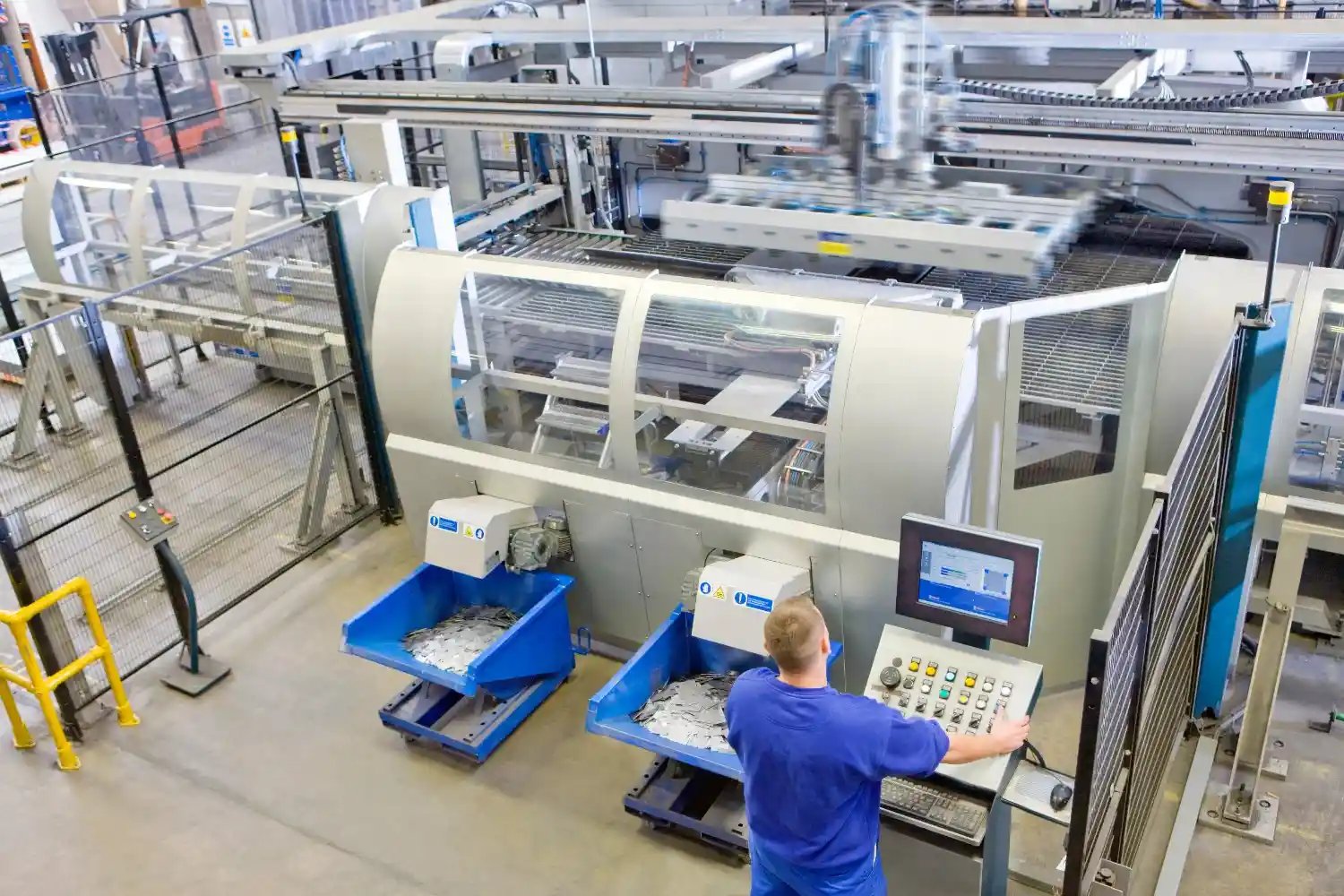
If you’re evaluating manufacturing production planning software, a few things matter more than the sales pitch:
- Integration first: does it work with what you already run, or does it require ripping out your MES and ERP?
- Automatic re-optimization: can it adjust on its own when a machine goes down, or does someone still have to trigger the update by hand?
- Realistic timelines: most credible platforms, including NTWIST’s, go live within 60 to 90 days.
- Transparency: Does it show you why a schedule changed or just that it changed?
That last point matters more than people expect. A black-box schedule that shifts without explanation just moves the trust problem somewhere else, and it’s one reason plants get frustrated with production management software that feels like a mystery box.
Manufacturing Planning Tools vs the Full Software Stack
It’s worth pausing on terminology, because vendors use it loosely. Manufacturing planning tools sometimes refer narrowly to the forecasting or capacity-planning layer, the part that decides what should get made and roughly when. A fuller solution, done properly, extends that further into execution, connecting the plan to what’s happening shift by shift. The best production scheduling software does both jobs at once instead of forcing a plant to stitch two systems together.
Where This Is Headed
The next stretch of progress in manufacturing production planning software probably won’t look dramatic. It’ll look like tighter integration with equipment a plant already owns, better visibility into why a schedule adjusted, and fewer three-in-the-morning phone calls about a line that stopped for reasons nobody can explain yet.
If your plant is still rebuilding the schedule by hand every time something changes, that’s the exact gap NTWIST’s platform was built to close.
FAQ for Manufacturing Production Planning Software
What’s the difference between production planning software and scheduling software?
Planning tends to set the broader targets, what gets made and when, while scheduling handles the shift-by-shift execution of that plan. The best manufacturing production planning software does both, so the two-stay aligned instead of drifting apart.
Does production planning software replace an ERP?
No. Tools like NTWIST’s sit on top of the ERP, MES, or SCADA systems already in place rather than replacing them.
How long does it take to implement manufacturing planning tools like NTWIST’s nScheduler?
Most deployments, including NTWIST’s, go live within 60 to 90 days, covering system integration, configuration, and role-based training.
Ready to see where your current planning process is leaving capacity on the table? Request a free production planning assessment from NTWIST and we’ll show you exactly were.
About the Author
Pramodh Chandrashekar is an industry and technology expert and Senior Researcher at NTWIST. His expertise includes industrial AI, mining and manufacturing technology, digital transformation, and operational optimization.
He focuses on applying AI and data-driven technologies to improve operational efficiency and business performance.
LinkedIn: Pramodh Chandrashekar